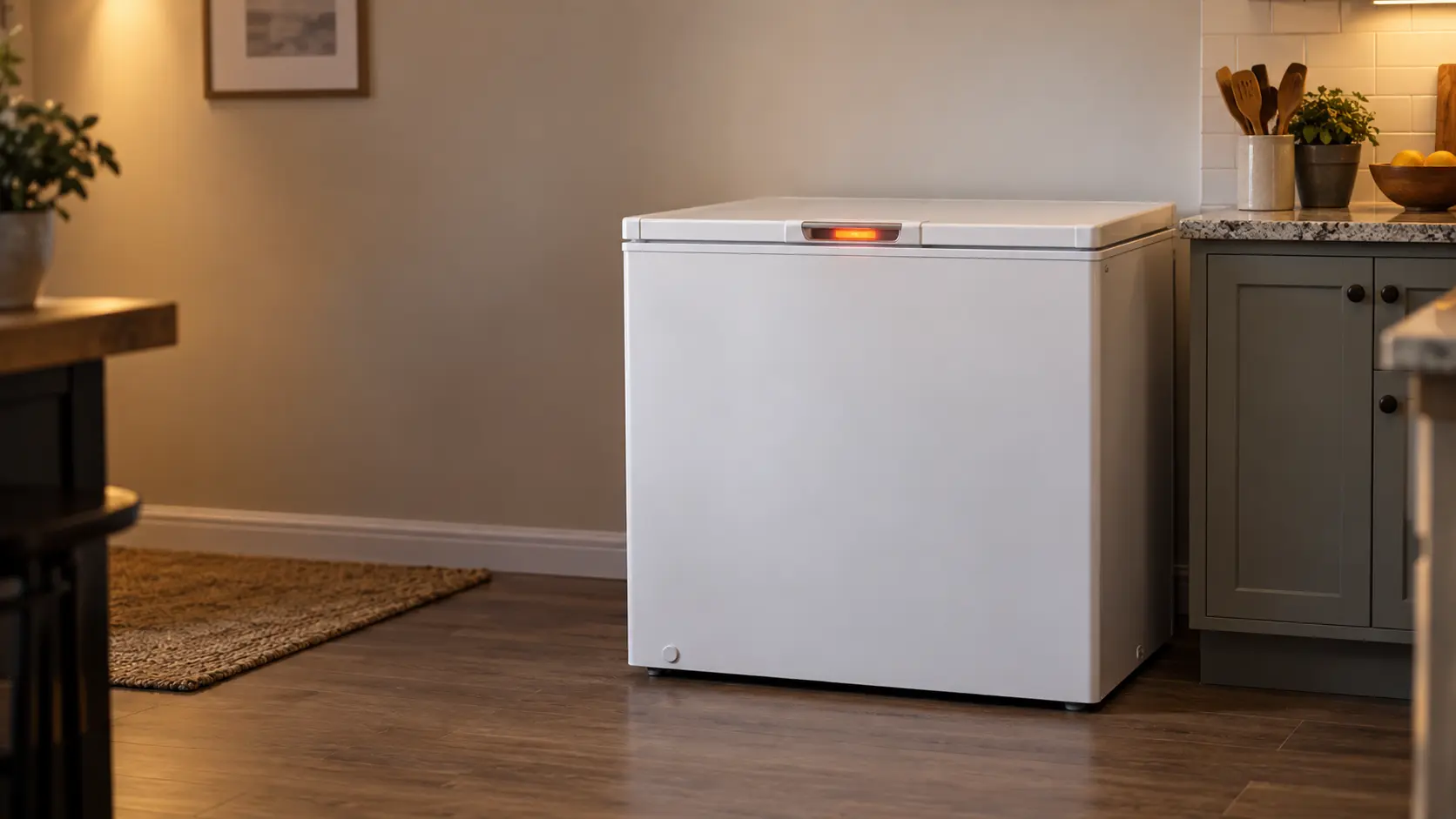
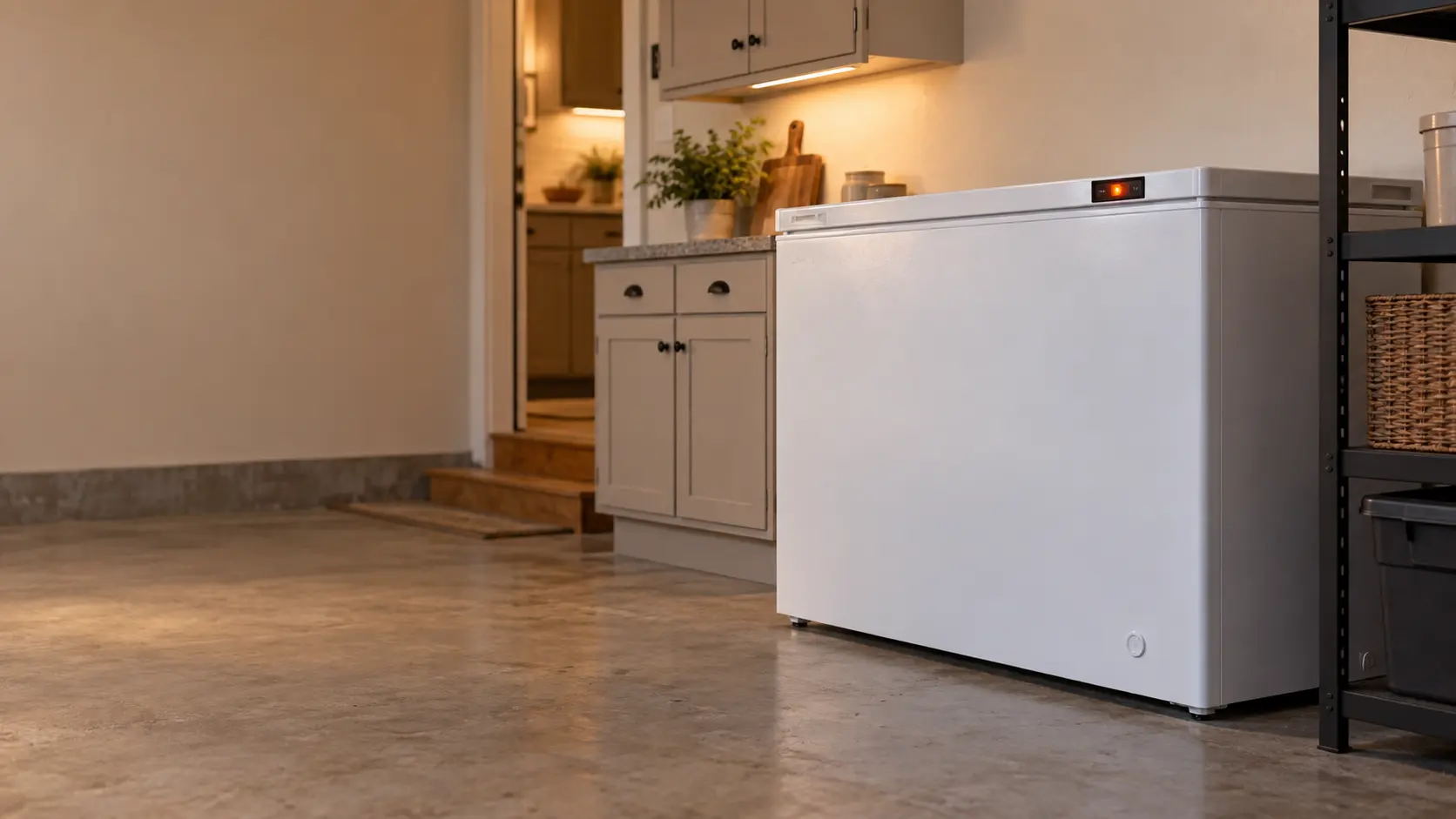

Samsung convertible freezer display blinking: the cabinet got too warm during an outage
On Samsung's one-door convertibles in Freezer mode, a blinking display is the temperature alarm.
Mon–Sat, 8am–8pm
- Temperature and alarms
- Freezer thermostat and temperature control repair
- Source: Samsung
Book a visit
Three short steps, about a minute.
or call (844) 456-4651
Loading appointment form…
The appointment form couldn’t load. Please try again.
What Blinking temperature display
actually means.
On Samsung's one-door convertibles in Freezer mode, a blinking display is the temperature alarm. It appears when the freezer has become too warm, most often after a power failure, and also the first time the unit is switched on after installation. Pressing Temp flashes the warmest temperature reached for five seconds, which is the number to judge the food by.
Samsung freezer display · also shown as Temperature Alarm, display blinking after power failure
What to do when Blinking temperature display shows on the freezerKind of codeTemperature and alarms
The freezer measured a cabinet warmer than it should be and said so, sometimes with the highest temperature it reached while nobody was looking. The cause can be as simple as a door left ajar or a long power outage, or as serious as a compressor that stopped. Keep the door or the lid shut and check whether the food is still hard before anything else; the alarm is a warning about the food, not a diagnosis.
Usually leads toFreezer thermostat and temperature control repair
Repairing the dial thermostat or the sensor and control that decide when a freezer cools, so it stops running without end or quitting too early.
Shows up asFreezer Warming Up With Food Inside
The freezer warming up is a race against the clock: frozen packages are softening, drips are forming under the bottom basket, and the question is how long the food can wait.
MakeSamsung
Samsung freezers repaired at home when they warm up, ice over inside or start to hum and click.
SourceSamsung one-door BESPOKE user manual (DA68-04131S), Temperature Alarm
Described for the one-door BESPOKE convertible (RZ11T7474 family) as applicable to some models only, and only in Freezer mode.
Before you book,
in this order.
Each step comes from Samsung's own guidance for Blinking temperature display on its freezers. Follow it to the end: the last card says whether this is a visit.
Keep the door shut and press Temp once to read the warmest temperature the freezer reached.
If that number is above freezing or the food feels soft, move the food to a working freezer or a cooler with ice.
Check that the unit is plugged in firmly and that the breaker is on, then watch whether the display settles.
Book a visit if the display keeps blinking with the power steady and the door closed.
Still there?
It usually turns into freezer thermostat and temperature control repair. Book with the code and the model number.
What not to do
A blinking display in Fridge mode is not this alarm, because the warning works only in Freezer mode. It is also not the oF display, which means the compressor has been switched off on purpose.
What you may
notice with it.
The freezer problems Blinking temperature display tends to arrive with. Answer these at the freezer before anyone is booked.
All problems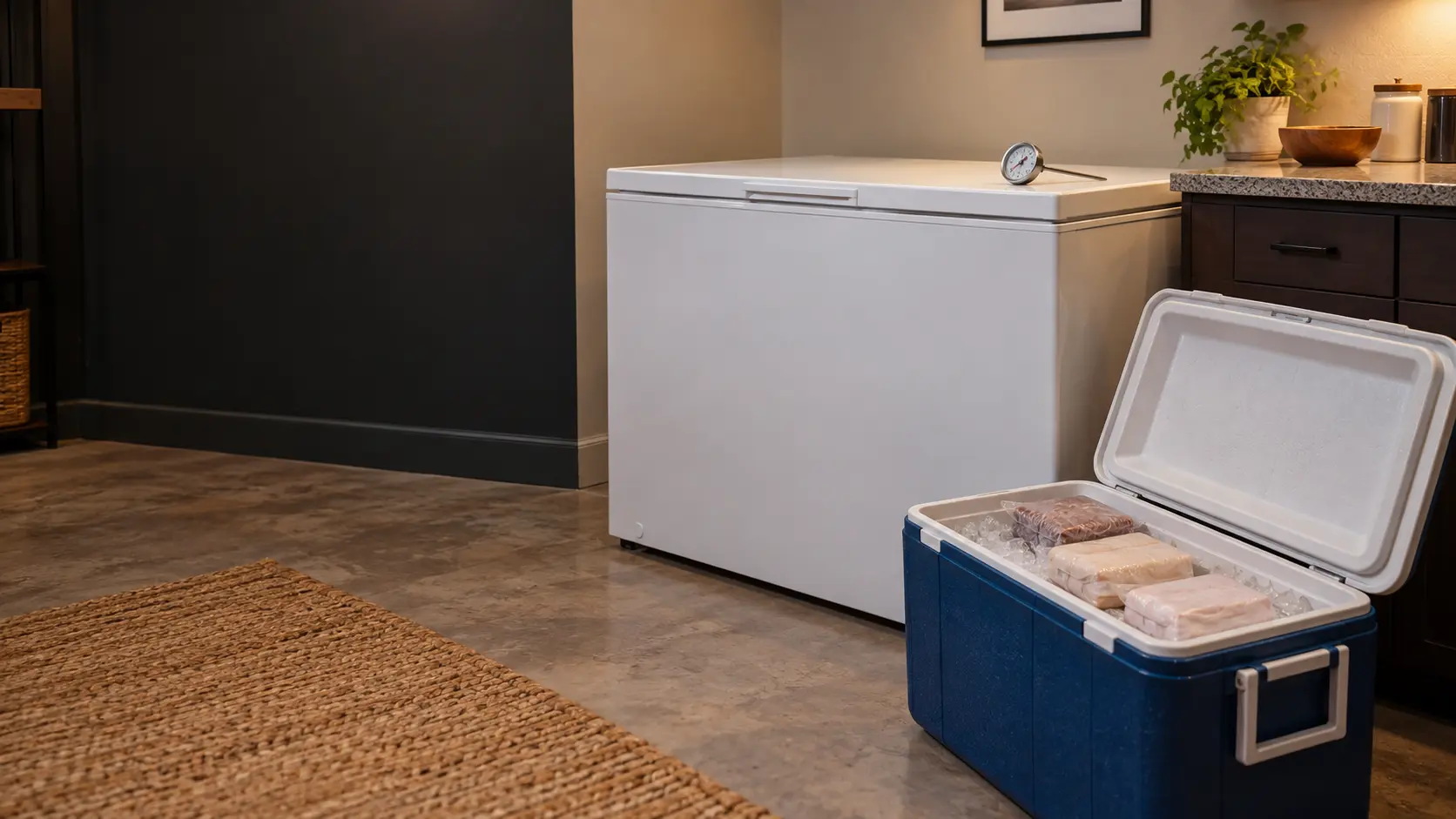
Where Blinking temperature display usually leads
Freezer thermostat and temperature control repair.
Samsung
freezers.
Samsung freezers repaired at home when they warm up, ice over inside or start to hum and click.
Samsung freezer repairMore Samsung codes
Temperature and alarms on other makes
In Samsung's own words
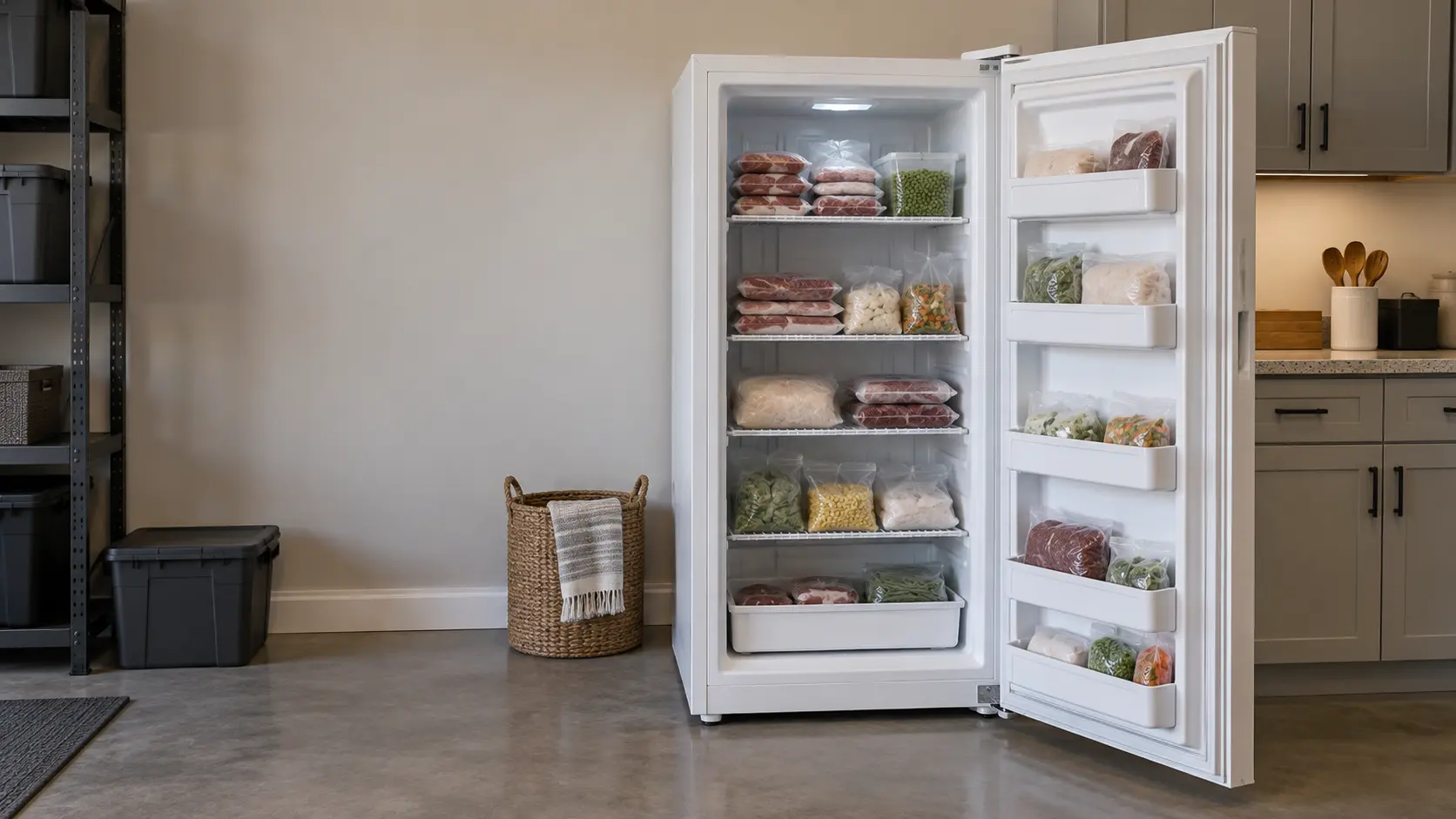
If the freezer temperature is too warm because there has been a power failure, the display blinks as shown in the figure.
Every code on this site is taken from the manufacturer's documentation, never from a forum or a parts listing. Described for the one-door BESPOKE convertible (RZ11T7474 family) as applicable to some models only, and only in Freezer mode.
Samsung Blinking temperature display freezer repair,
where we come out.
The same visit in every metro below: the code, the model number, and a diagnosis before any part is ordered.
All service areasTampa BayFL · 31 areas
Miami / South FloridaFL · 47 areas
New York MetroNY · 75 areas
HoustonTX · 36 areas
ChicagoIL · 50 areas
Los AngelesCA · 95 areas
San DiegoCA · 31 areas

Questions
about Blinking temperature display.
Can I clear Blinking temperature display myself?
Why is my new Samsung convertible freezer blinking right after delivery?
How do I see how warm my Samsung freezer got during the outage?
My Samsung upright freezer keeps blinking even though the power never went out. Why?
Back to your everyday
Still showing Blinking temperature display?
Book with the code or the alarm pattern written exactly as the freezer shows it, the full model number, and whether the food is still frozen hard — when there is a code, that is where the diagnosis starts.