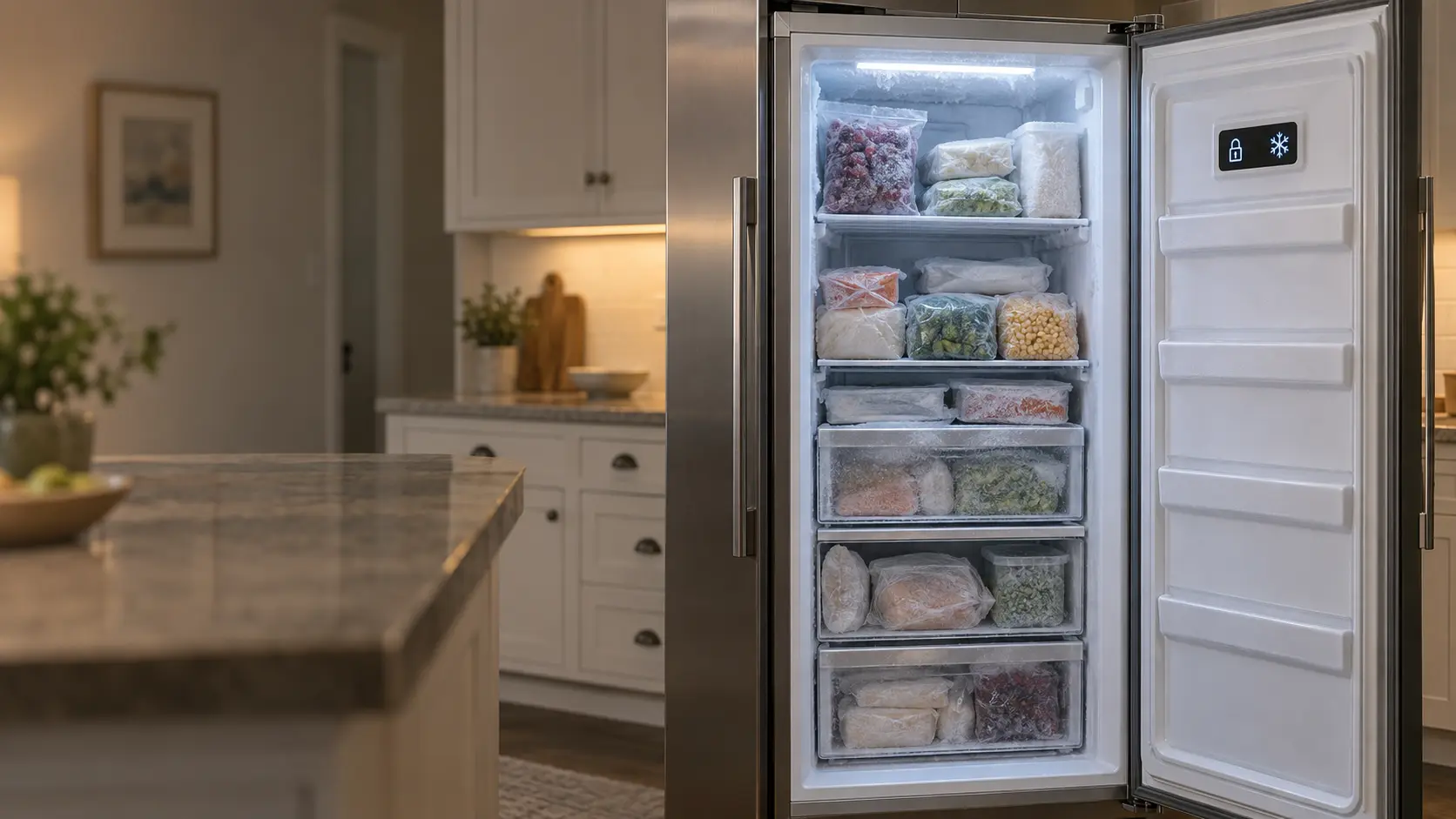
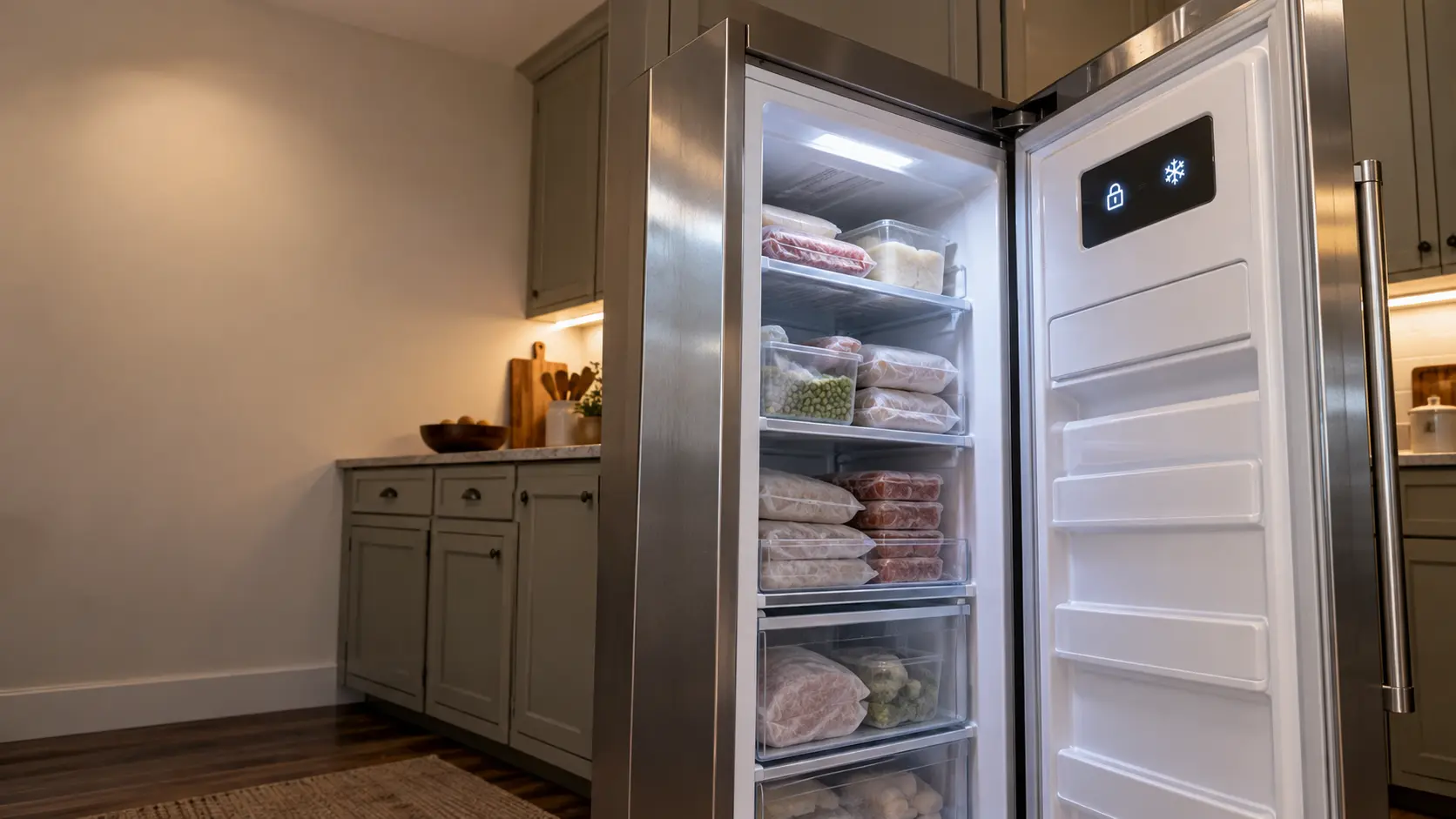

JennAir column freezer showroom mode: lights on, cooling off
On JennAir column freezers, showroom mode is meant for retail display.
Mon–Sat, 8am–8pm
- Mode, not a failure
- No repair needed
- Source: JennAir
Book a visit
Three short steps, about a minute.
or call (844) 456-4651
Loading appointment form…
The appointment form couldn’t load. Please try again.
What Showroom
actually means.
On JennAir column freezers, showroom mode is meant for retail display. It turns the cooling off and disables every function except the interior lighting, and it is toggled by holding the top and bottom zone icons together for 3 seconds.
JennAir freezer display · also shown as Showroom mode
What to do when Showroom shows on the freezerKind of codeMode, not a failure
A setting the freezer was put into, often by accident or by the store it came from, rather than a part that broke: a showroom or demo mode that lights the display while the compressor stays off, a fast freeze left running for days, a Sabbath setting that silences the alarms, a control lock, a door alarm reminding you the door stood open. Nothing has worn out, and the freezer's own buttons or manual put it back.
Usually leads toNo repair
Hold the top and bottom zone icons together for 3 seconds to leave showroom mode.
Shows up asStandalone Freezer Not Freezing
A standalone freezer not freezing shows it on a thermometer long before the food goes soft: packages give under your thumb, a tub of stock is slush at the center, and the cabinet air feels cool rather than biting.
MakeJennAir
JennAir freezers repaired on site, from a warm column to a door alarm that will not stay quiet.
SourceJennAir Use and Care Guide W11362247C, column refrigeration
JennAir built-in column freezers covered by Use and Care Guide W11362247.
Before you book,
in this order.
Each step comes from JennAir's own guidance for Showroom on its freezers. Follow it to the end: the last card says whether this is a visit.
Hold the top and bottom zone icons together for 3 seconds to leave showroom mode.
Check that the set temperature returns on the display.
Move food elsewhere until the column is cold again.
If cooling does not start after leaving showroom mode, book a visit.
Cleared?
The freezer is holding its temperature again and no part had to be replaced. If the same code comes back within a few days, or the packages start to soften again, book it as a fresh problem.
What not to do
A lit column that is not cooling in showroom mode has not failed. The mode is doing exactly what it is designed to do.
What you may
notice with it.
The freezer problems Showroom tends to arrive with. Answer these at the freezer before anyone is booked.
All problems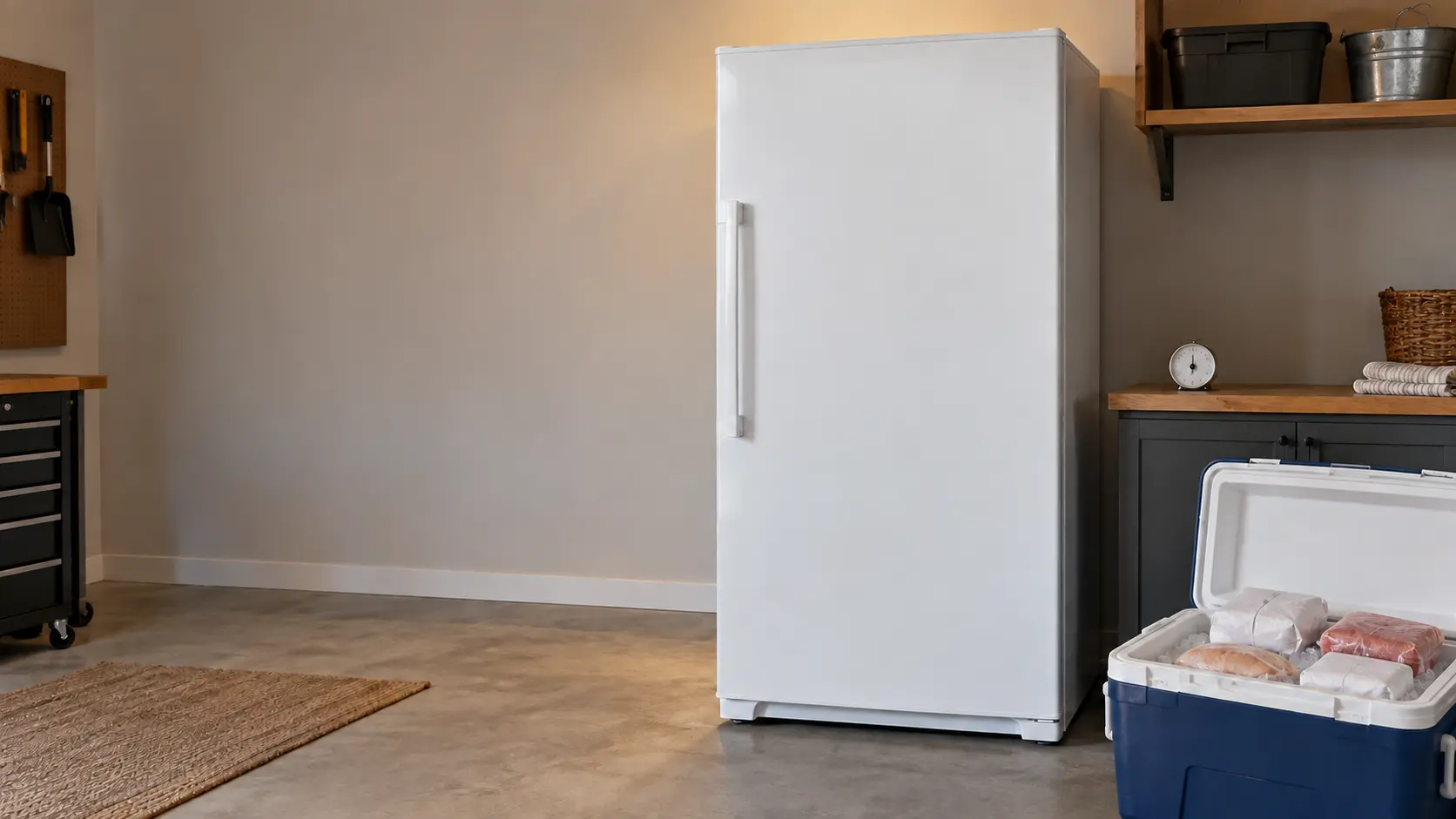
No repair indicated
Nothing to repair.
A setting the freezer was put into, often by accident or by the store it came from, rather than a part that broke: a showroom or demo mode that lights the display while the compressor stays off, a fast freeze left running for days, a Sabbath setting that silences the alarms, a control lock, a door alarm reminding you the door stood open. Nothing has worn out, and the freezer's own buttons or manual put it back.
JennAir
freezers.
JennAir freezers repaired on site, from a warm column to a door alarm that will not stay quiet.
JennAir freezer repairMore JennAir codes
Mode, not a failure on other makes
Freezer column
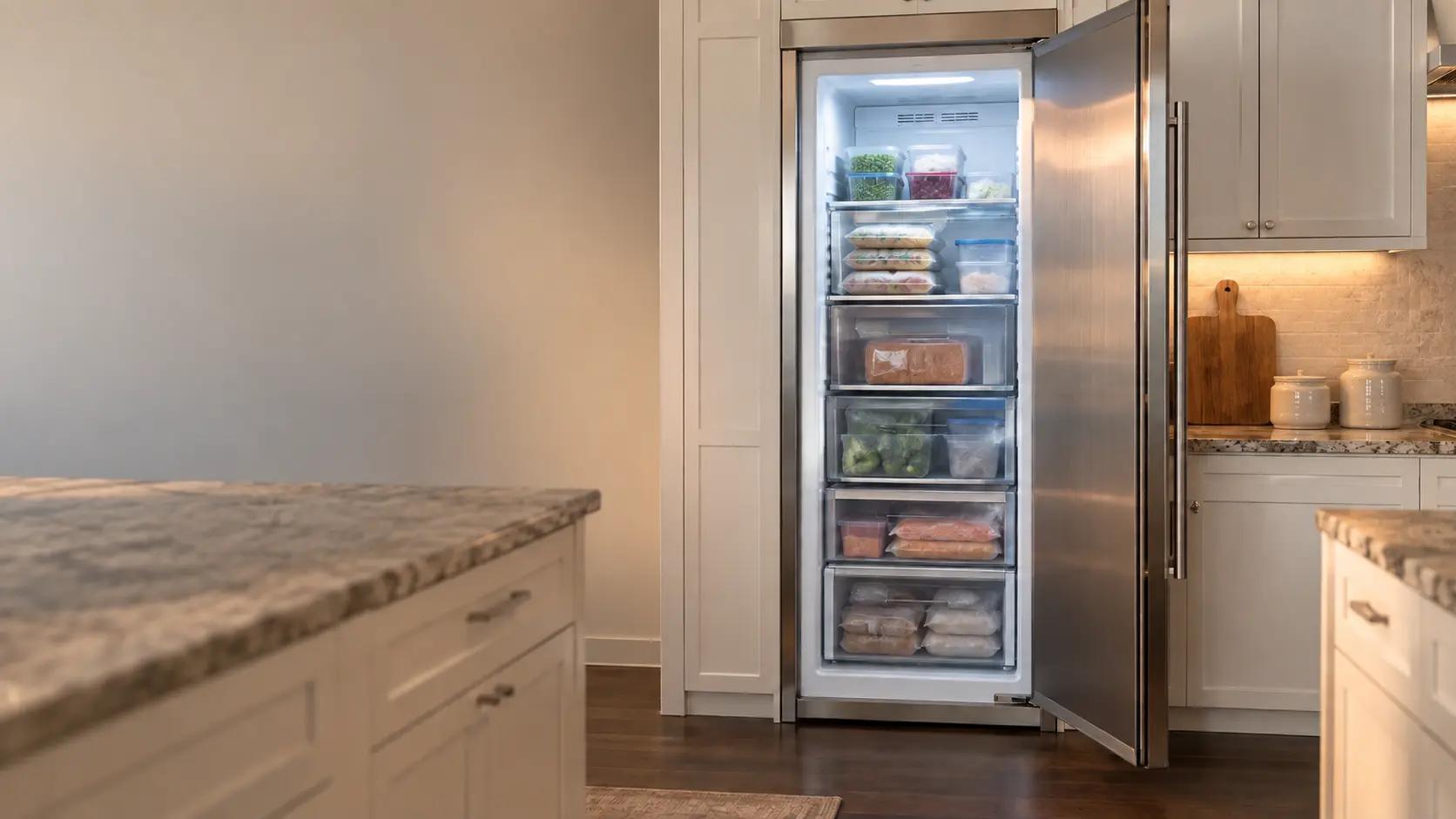
A built-in, full-height freezer that stands alone in the cabinetry, often beside a matching fresh-food column, with a stainless or panel-ready door and an electronic control.
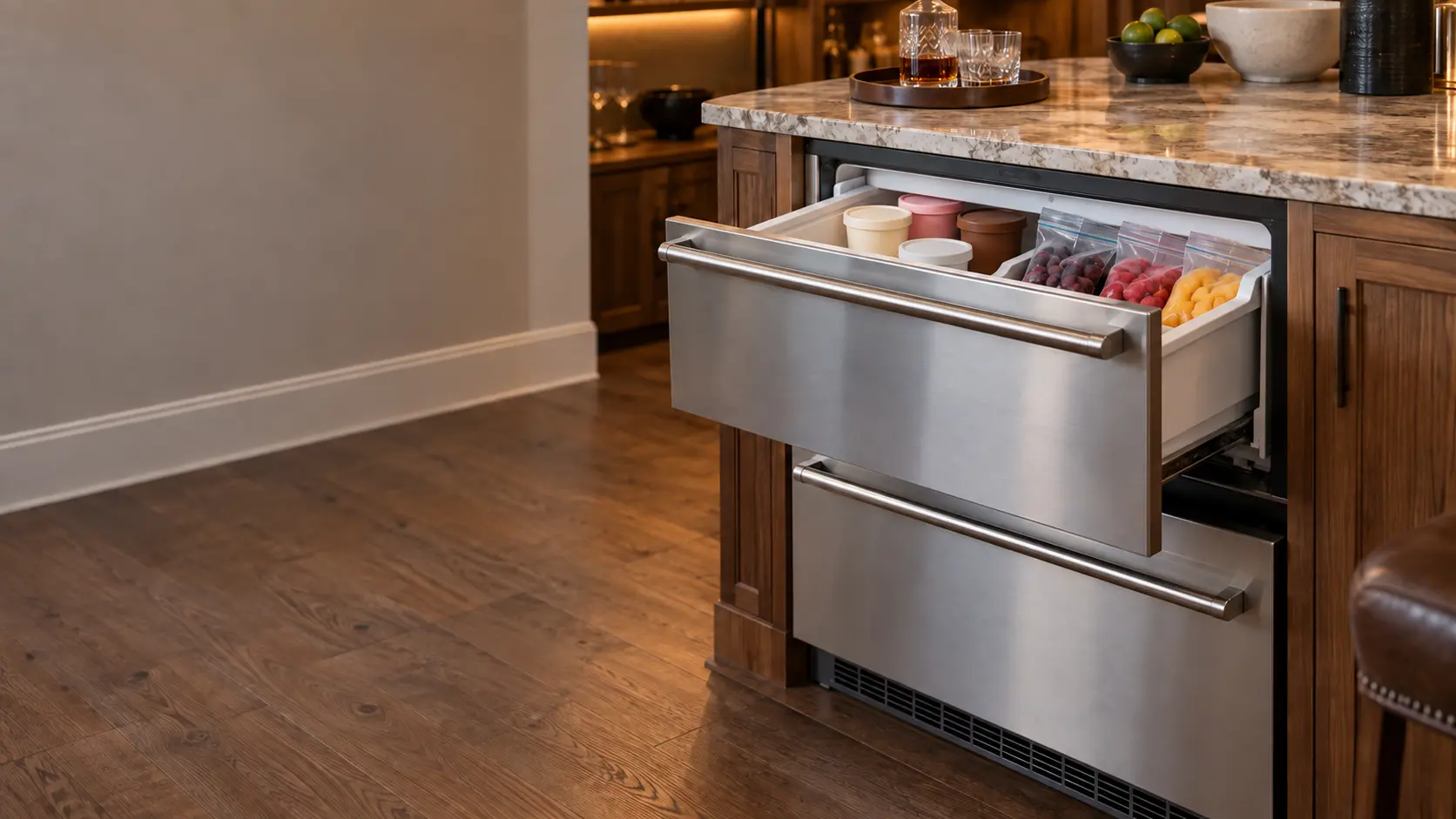
Undercounter freezer
A 15- to 24-inch freezer or a pair of freezer drawers built in under a counter, in a kitchen island, a home bar, a basement or a pool house, venting from the front.
In JennAir's own words
This mode is used when the freezer is on display in a retail store
Every code on this site is taken from the manufacturer's documentation, never from a forum or a parts listing. JennAir built-in column freezers covered by Use and Care Guide W11362247.
JennAir Showroom freezer repair,
where we come out.
The same visit in every metro below: the code, the model number, and a diagnosis before any part is ordered.
All service areasTampa BayFL · 31 areas
Miami / South FloridaFL · 47 areas
New York MetroNY · 75 areas
HoustonTX · 36 areas
ChicagoIL · 50 areas
Los AngelesCA · 95 areas
San DiegoCA · 31 areas

Questions
about Showroom.
Can I clear Showroom myself?
My JennAir freezer column lights up but is warm inside. Why?
How could my JennAir column end up in showroom mode?
How long will my JennAir column take to get cold after showroom mode?
Back to your everyday
Still showing Showroom?
Book with the code or the alarm pattern written exactly as the freezer shows it, the full model number, and whether the food is still frozen hard — when there is a code, that is where the diagnosis starts.