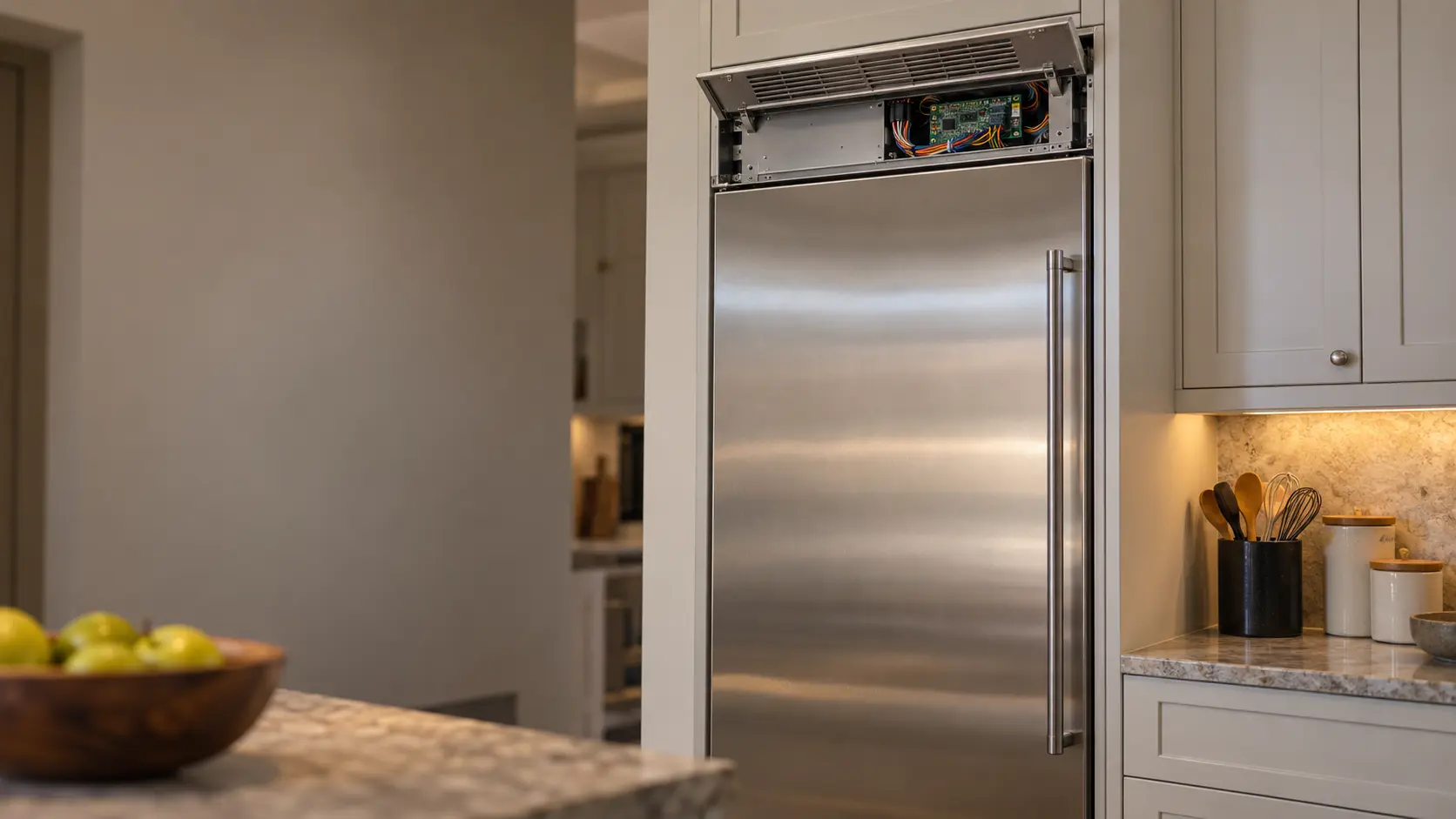
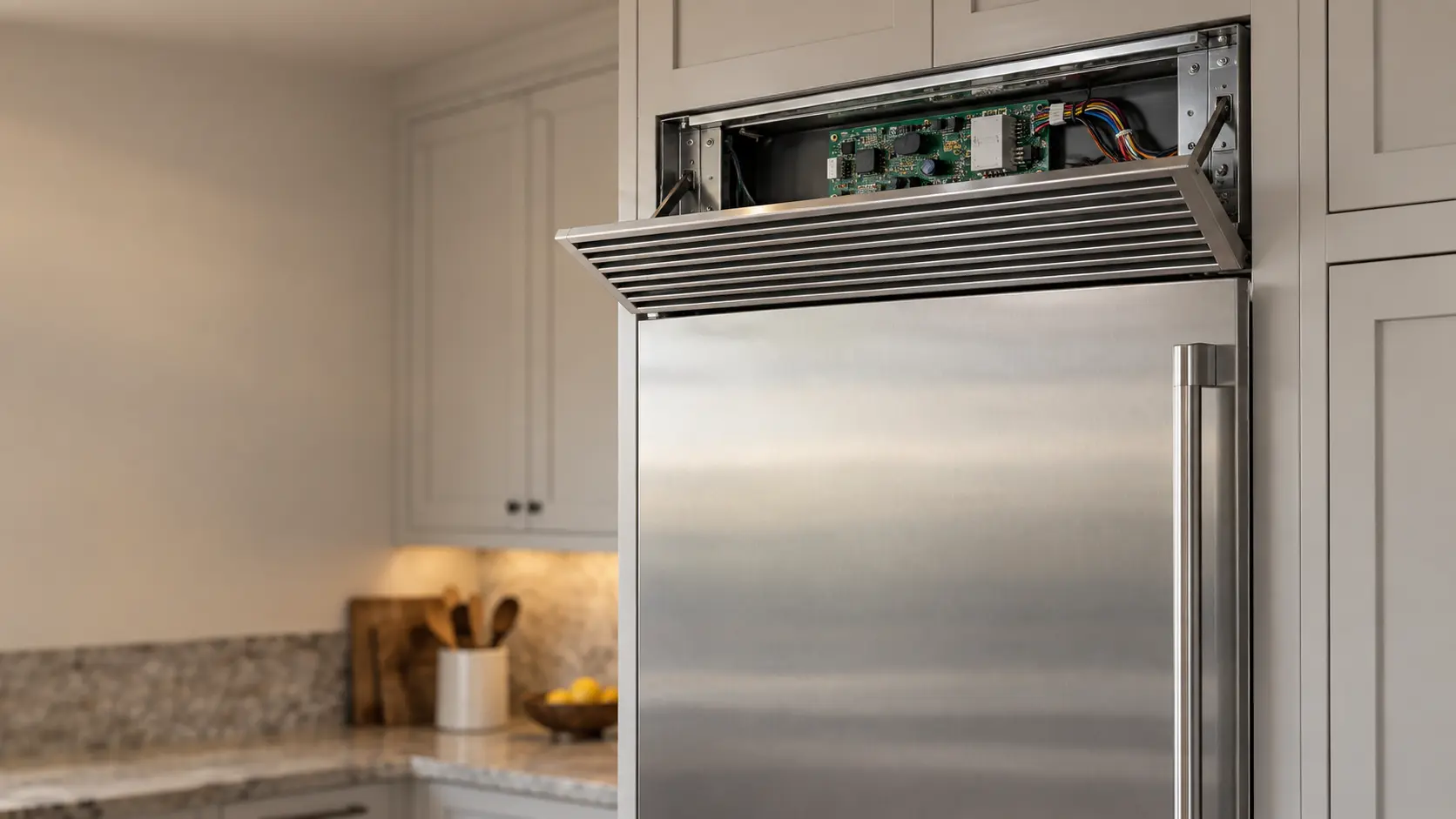

Monogram column freezer WI-FI symbol flashing: the column is still connecting
On Monogram built-in column freezers, pressing the WI-FI pad starts the connection and the symbol flashes until it succeeds, then stays solid.
Mon–Sat, 8am–8pm
- Control board and communication
- Freezer control board and alarm repair
- Source: Monogram
Book a visit
Three short steps, about a minute.
or call (844) 456-4651
Loading appointment form…
The appointment form couldn’t load. Please try again.
What WI-FI flashing
actually means.
On Monogram built-in column freezers, pressing the WI-FI pad starts the connection and the symbol flashes until it succeeds, then stays solid. A symbol that keeps flashing means the column has not finished connecting to the home network.
Monogram freezer display · also shown as WI-FI symbol flashing
What to do when WI-FI flashing shows on the freezerKind of codeControl board and communication
The boards that run the freezer stopped talking to each other, or one of them failed: the main control lost the display panel, or a board reported a problem of its own. A connector loosened by a move and a harness damp from condensation are checked before a board is ordered by model number. Built-in columns and undercounter freezers lean on their electronics more than a basic chest freezer does.
Usually leads toFreezer control board and alarm repair
Repairing the electronic control, display, door switch and sensors that run a modern freezer, including a temperature alarm that sounds without reason or never sounds at all.
Shows up asFreezer Error Code
A freezer error code appears on the display: letters and digits, a flashing temperature, or a warning symbol, sometimes with an alarm and sometimes with the freezer still running.
MakeMonogram
Monogram freezers repaired on site, from the controls to the door that closes over the food.
SourceMonogram owner's manual 49-1000529, built-in column freezers
Monogram ZIF181, ZIF241, ZIF301 and ZIF361 built-in column freezers (owner's manual 49-1000529). The ZIR refrigerator columns share the same panel.
Before you book,
in this order.
Each step comes from Monogram's own guidance for WI-FI flashing on its freezers. Follow it to the end: the last card says whether this is a visit.
Check that your router is on and within range of the kitchen.
Follow the connection steps in the Monogram app using the details on the Connected Appliance label.
Press and hold the WI-FI pad to turn Wi-Fi off if you do not use it.
If the column will not connect and cooling is also acting up, book a visit.
Still there?
It usually turns into freezer control board and alarm repair. Book with the code and the model number.
What not to do
A flashing WI-FI symbol has nothing to do with cooling. The freezer keeps working whether or not it is connected.
What you may
notice with it.
The freezer problem WI-FI flashing tends to arrive with. Answer these at the freezer before anyone is booked.
All problems
Where WI-FI flashing usually leads
Freezer control board and alarm repair.
Monogram
freezers.
Monogram freezers repaired on site, from the controls to the door that closes over the food.
Monogram freezer repairMore Monogram codes
Control board and communication on other makes
In Monogram's own words
The WI-FI symbol will flash during the connection process.
Every code on this site is taken from the manufacturer's documentation, never from a forum or a parts listing. Monogram ZIF181, ZIF241, ZIF301 and ZIF361 built-in column freezers (owner's manual 49-1000529). The ZIR refrigerator columns share the same panel.
Monogram WI-FI flashing freezer repair,
where we come out.
The same visit in every metro below: the code, the model number, and a diagnosis before any part is ordered.
All service areasTampa BayFL · 31 areas
Miami / South FloridaFL · 47 areas
New York MetroNY · 75 areas
HoustonTX · 36 areas
ChicagoIL · 50 areas
Los AngelesCA · 95 areas
San DiegoCA · 31 areas

Questions
about WI-FI flashing.
Can I clear WI-FI flashing myself?
Why won't the WI-FI symbol on my Monogram freezer column stop flashing?
Where is the Connected Appliance label on a Monogram column freezer?
Can I turn Wi-Fi off on my Monogram column freezer?
Back to your everyday
Still showing WI-FI flashing?
Book with the code or the alarm pattern written exactly as the freezer shows it, the full model number, and whether the food is still frozen hard — when there is a code, that is where the diagnosis starts.